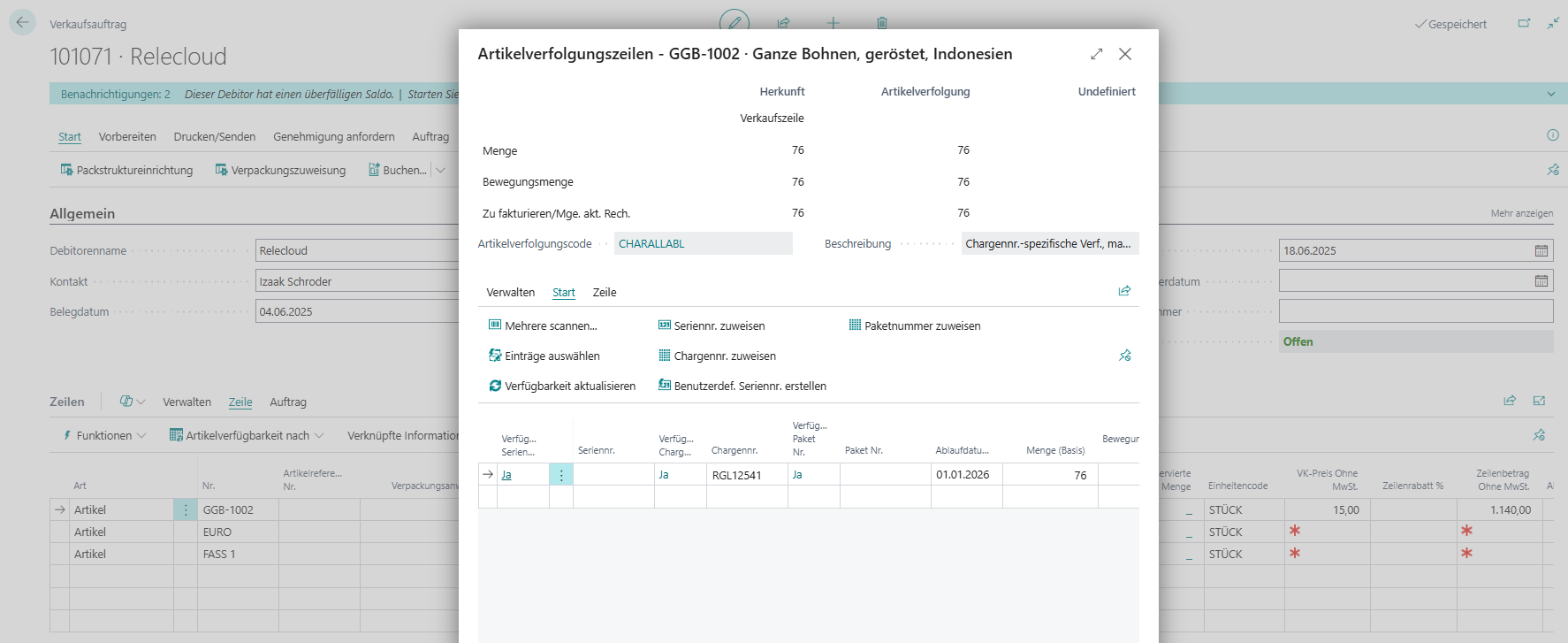
A packaging structure is created in the document through which—according to the logistical setup of the location—the shipment or delivery is posted.
This means that at a location with “Shipment Required,” the packaging assignment is maintained in the warehouse shipment. If “Shipment Required” is not set, the packaging assignment is made in the sales order before posting.
The quantity that can be packaged is based on the “Quantity to Ship” of the respective document line.
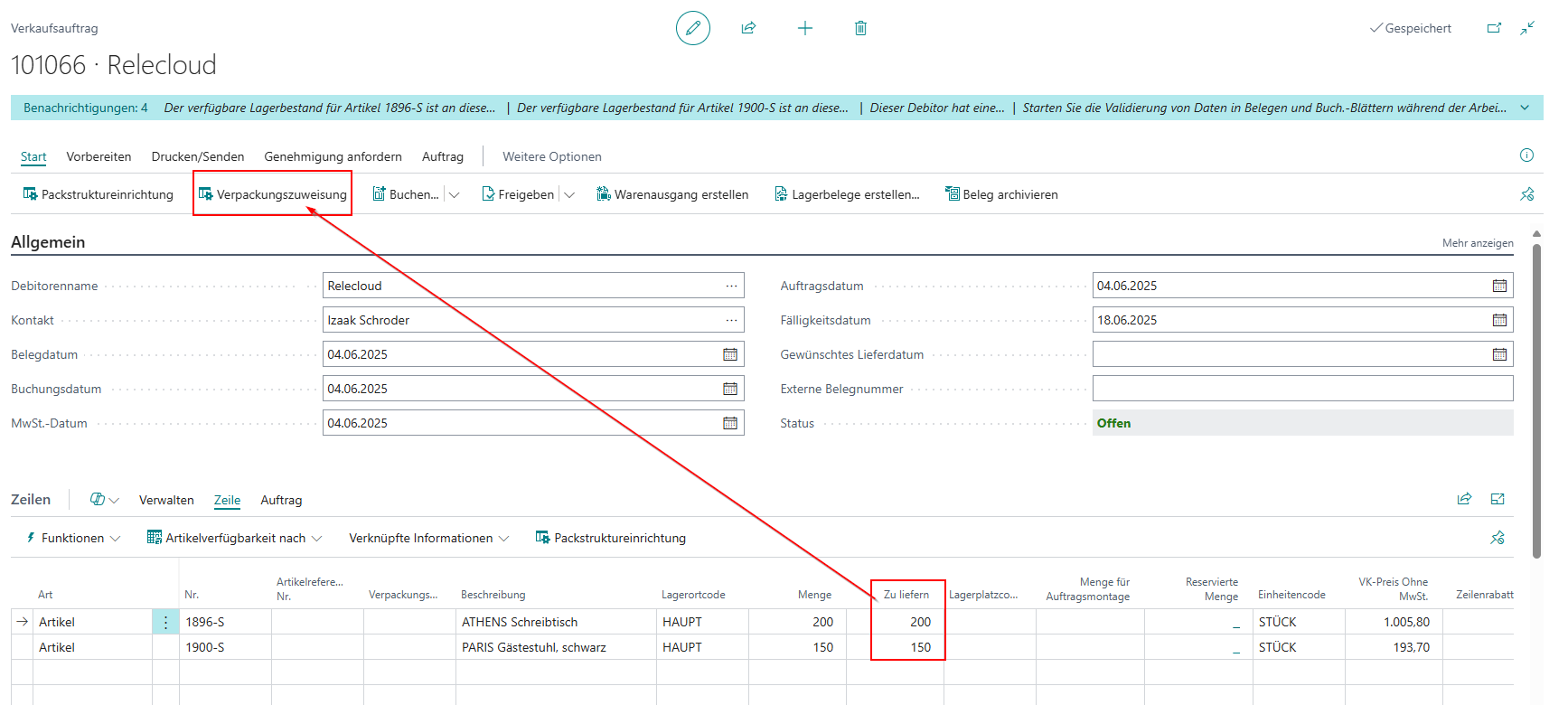 You can then open the movement packaging structure page via the “Packaging Assignment” button.
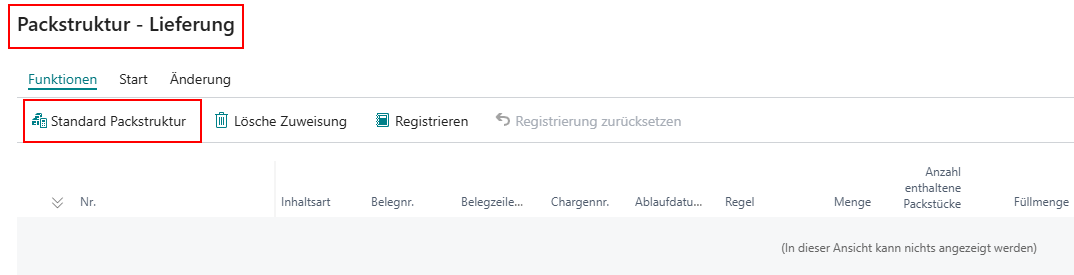
In the packaging assignment, you can use a standard packaging structure. This is determined automatically for the document lines according to the Order of Packaging Structures for Use as Standard Packaging Assignment.
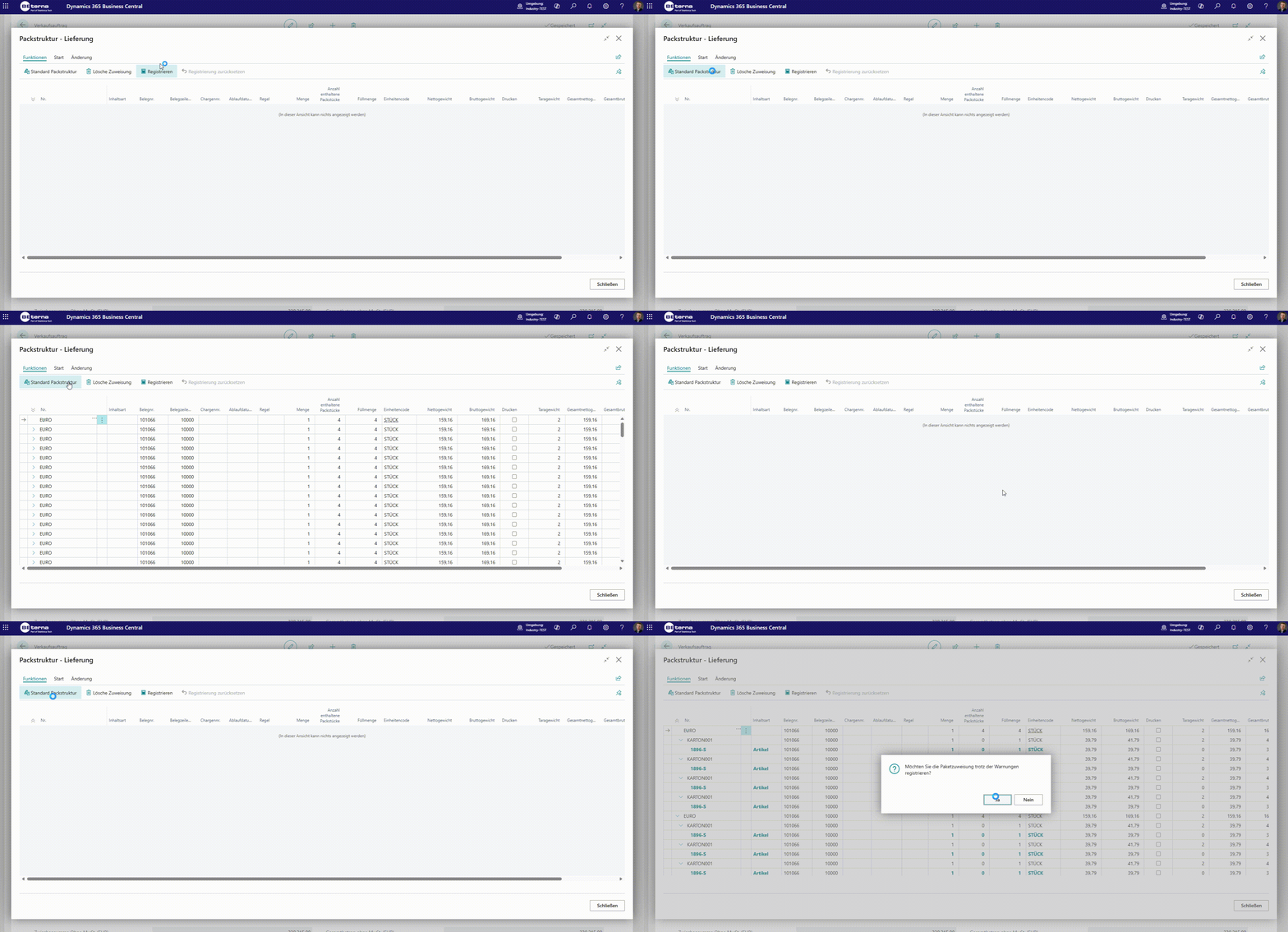 After the standard packaging structure has been added, and before registering the packaging assignment, you can make adjustments within the structure as described under manual packaging assignment as well as other changes within the packaging assignment.
If the standard packaging structure is not released, an error message will appear.
After the standard packaging structure has been added, and before registering the packaging assignment, you can make adjustments within the structure as described under manual packaging assignment as well as other changes within the packaging assignment.
If the standard packaging structure is not released, an error message will appear.
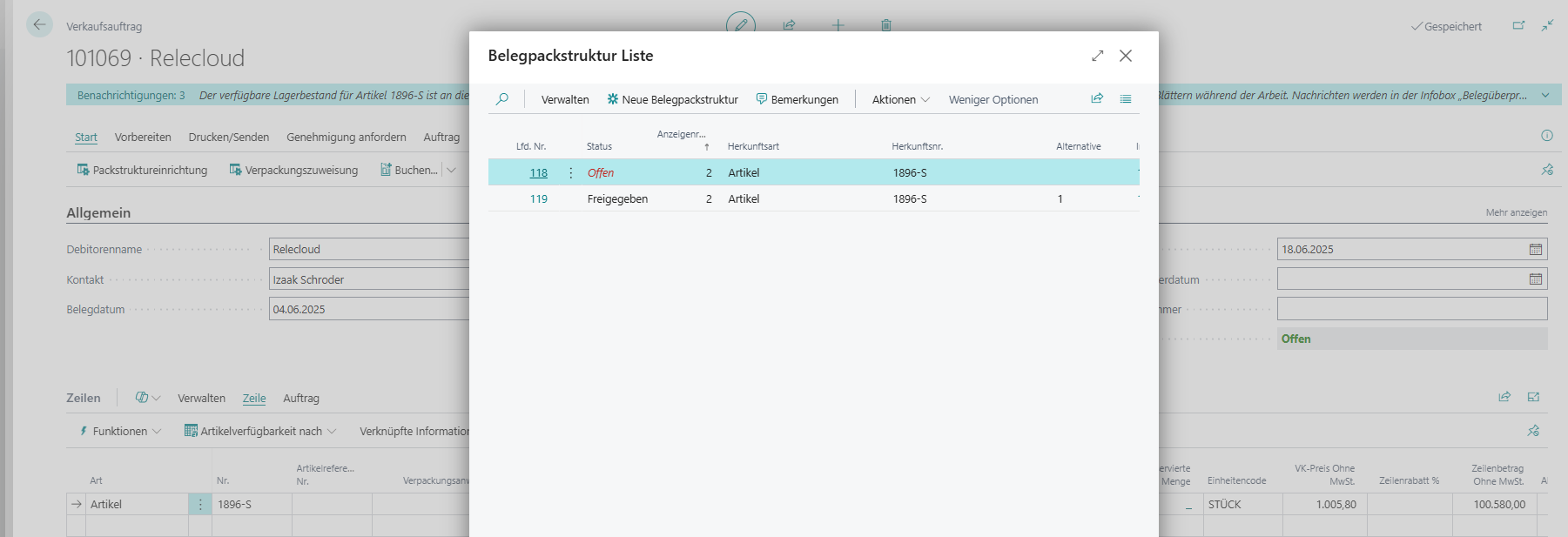
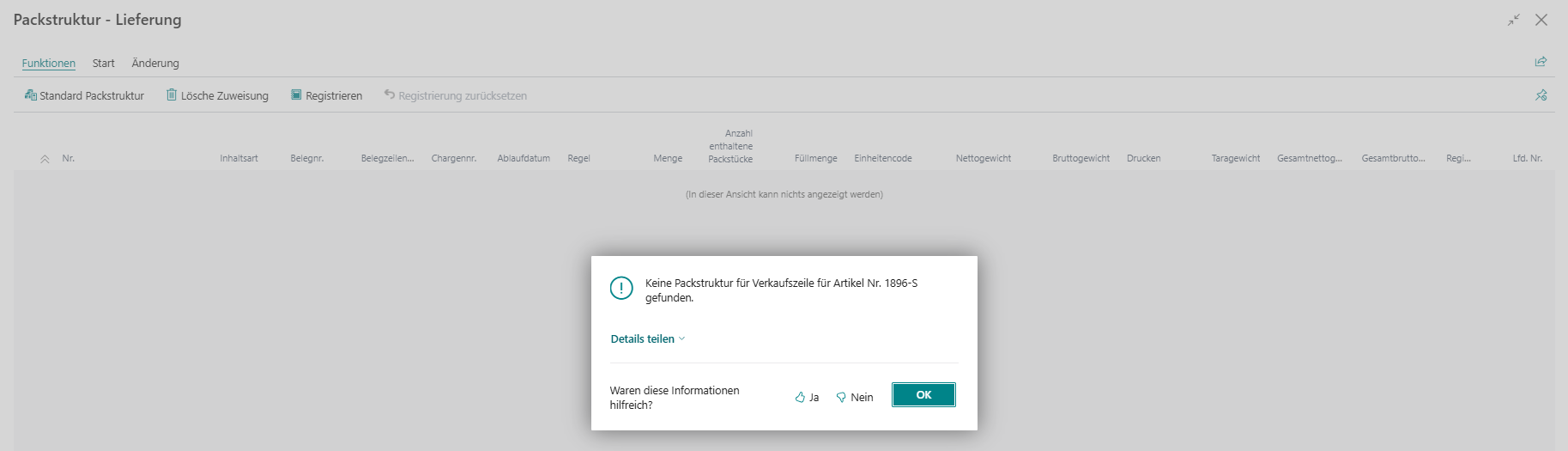 In this case, you must release the affected packaging structure or select an alternative packaging structure as the standard packaging assignment.
The Order of Packaging Structures for Use as Standard Packaging Assignment can be actively influenced by selecting an alternative packaging structure on the respective document line.
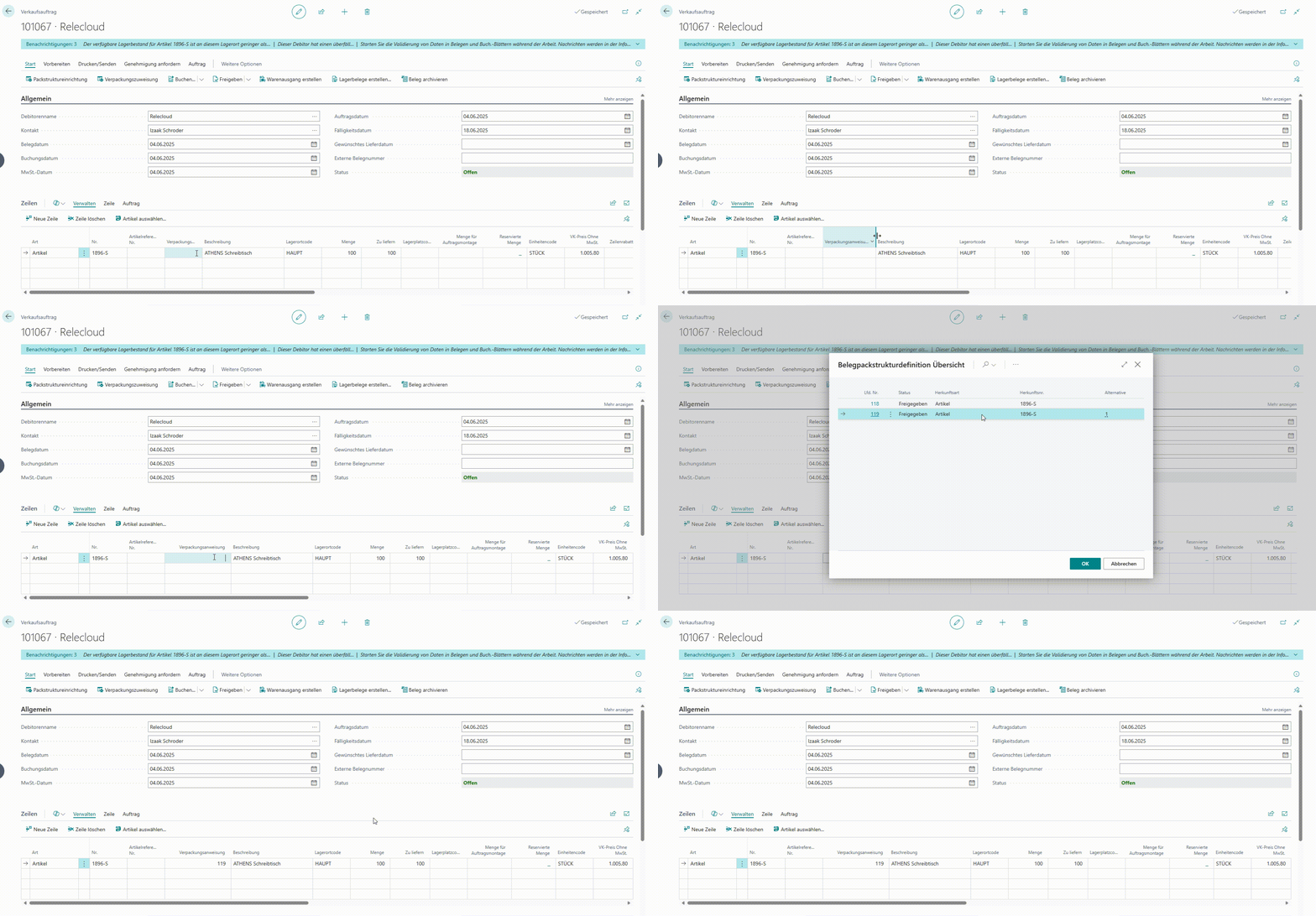 For this, an alternative packaging structure must be set up for the content of the respective document line.
The “Quantity to Ship” is packaged according to the standard packaging structure. If there are filling discrepancies between the “Quantity to Ship” and the fill quantities of the packaging structure, remainder lines are created. As a result, a content line—including its superior packaging lines—deviates from the specification of the packaging structure.
For this, an alternative packaging structure must be set up for the content of the respective document line.
The “Quantity to Ship” is packaged according to the standard packaging structure. If there are filling discrepancies between the “Quantity to Ship” and the fill quantities of the packaging structure, remainder lines are created. As a result, a content line—including its superior packaging lines—deviates from the specification of the packaging structure.
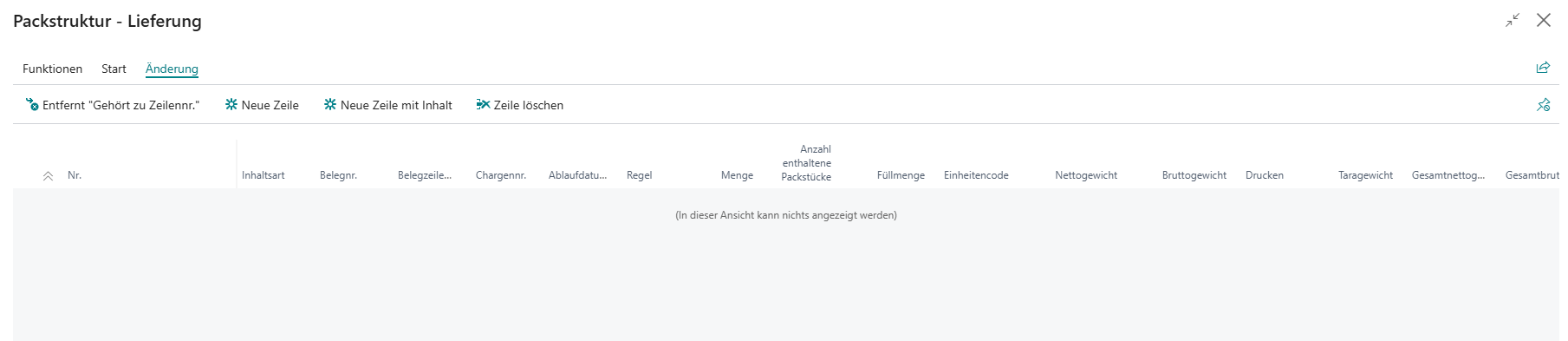
A packaging assignment can also be added manually. This is enabled via the actions under the “Changes” tab.
| Action | Description |
|---|---|
| Removes “Belongs-to Line No.” | Allows existing assignments of packaging lines to be dissolved, so packaging lines can stand alone without a superior assignment |
| New Line | Adds a new packaging line |
| New Line with Content | Adds a new line with content |
| Delete Line | Deletes the selected lines |
The quantity of manually packaged lines must match the “Quantity to Ship” of the lines. If there are deviations, an error message informs the user.
In addition to the options for changes as part of the manual packaging assignment, packaging and content lines can also be moved individually or in groups via drag & drop and assigned under other lines.
To do this, hold the CTRL key on the keyboard, select the relevant lines in the leftmost column, and move them.
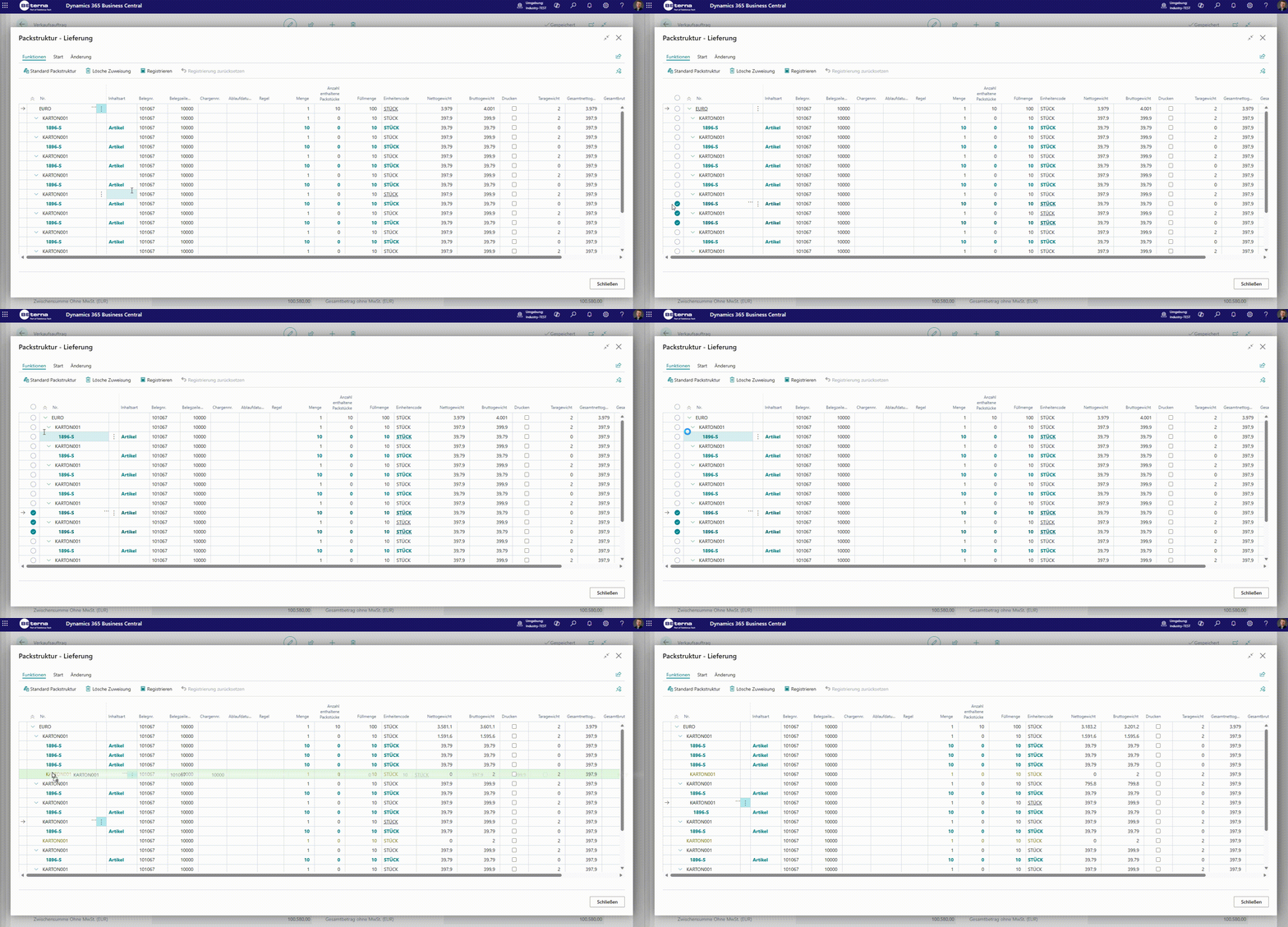 Lines can only be moved using the highlighted arrow.
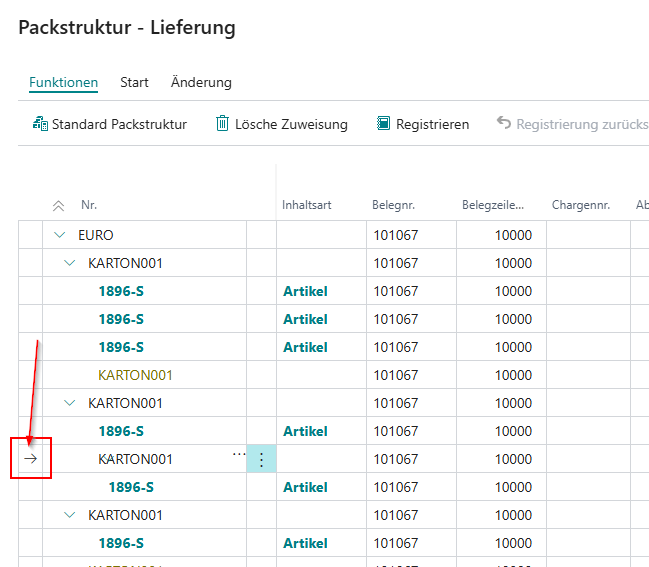
The weight of packaging materials as well as of the packaged contents is taken from the gross weight on the item card.
| Weight Type | Description |
|---|---|
| Net Weight | The net weight describes the weight of the packaged goods/packaging content without packaging, per unit of the respective line. If the line is a packaging line, the net weight describes the sum of all subordinate content lines (total net weight of each content line * fill quantity of the respective content line). Content lines therefore have net weight = gross weight. |
| Gross Weight | The gross weight describes the weight of the packaged goods/packaging content with packaging, per unit of the respective line. The quantity and weight of the packaging content and the weight of the packaging as well as the gross weights of subordinate packaging and content lines are summed. Auxiliary packaging/accessories that have no subordinate content have a gross weight but no net weight. |
| Tare Weight | The tare weight is the difference between gross and net weight. |
| Total Net Weight | = Net weight of the line * quantity |
| Total Gross Weight | = Gross weight of the line * quantity |
After changes within the packaging assignment, the weights are updated across all packaging levels only after registering the packaging assignment. This deferred update is for performance reasons during changes to the packaging assignment.
To transfer a packaging assignment to posted documents, it must be registered on the unposted document.
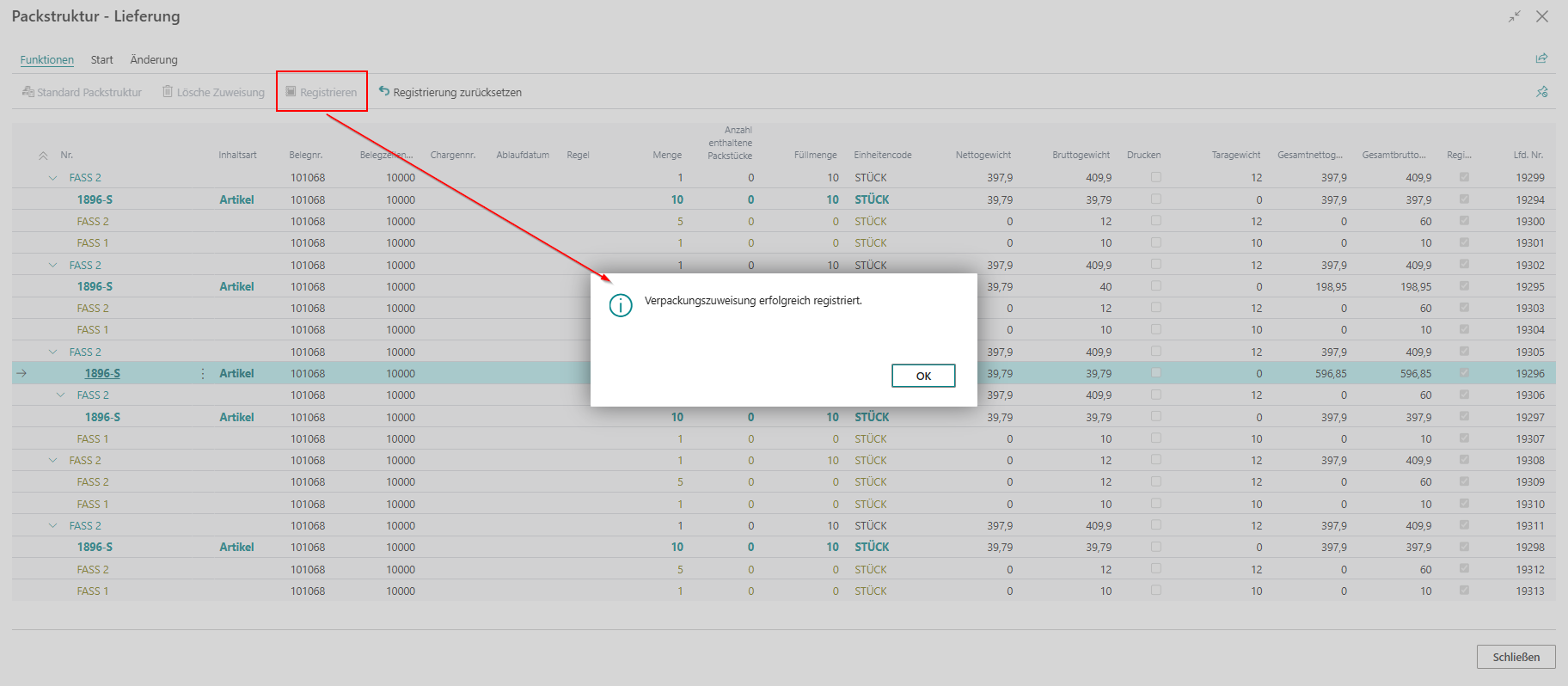 Registration creates document lines for the packaging materials.
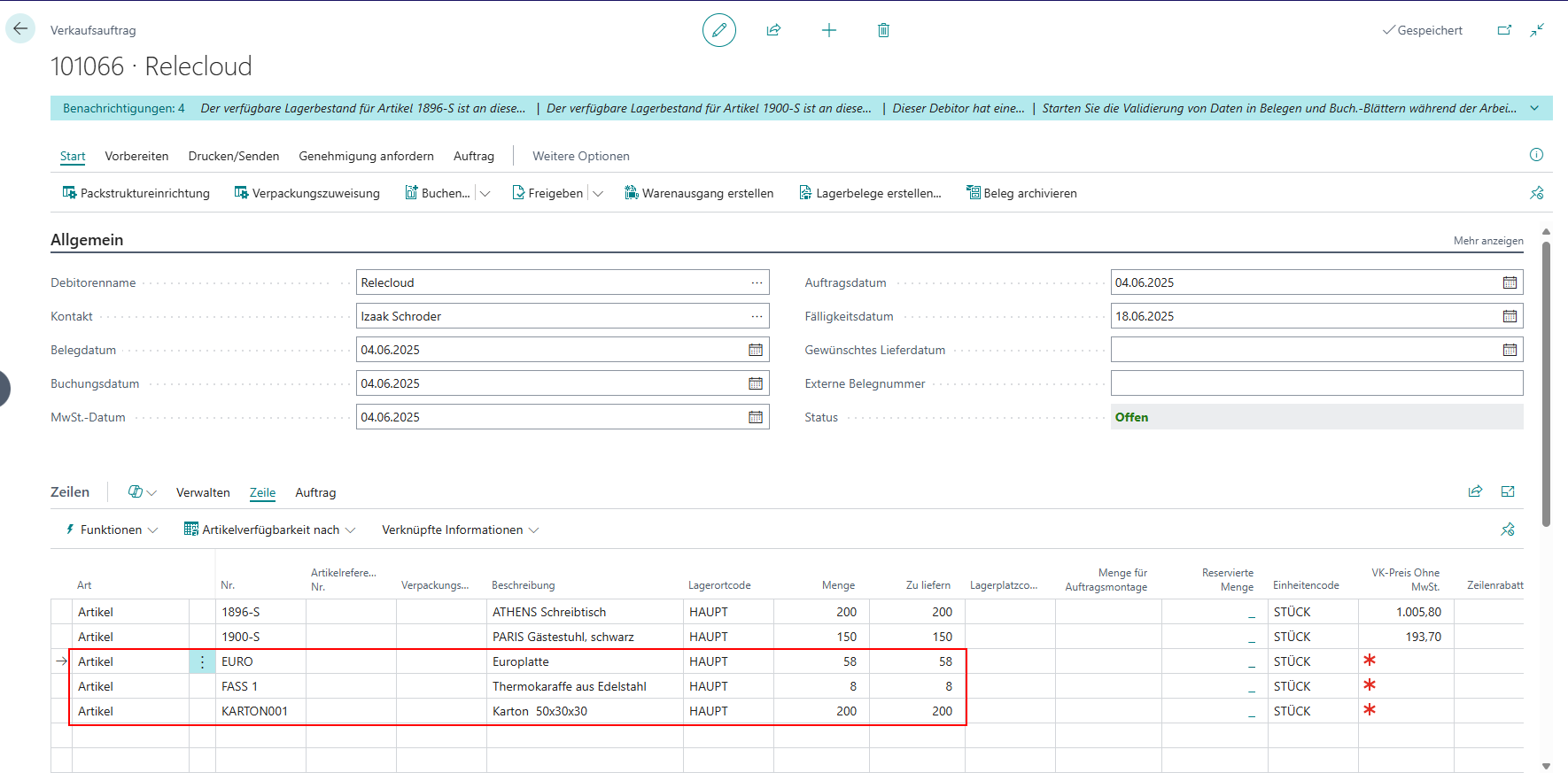 As a result, when the document is posted, the load carriers are received into inventory, shipped, or transferred accordingly.
In the current state of the module, there is no setup option to enforce a mandatory packaging assignment for items. Therefore, postings of items with assigned packaging structures can currently be executed without having created and registered a packaging assignment.
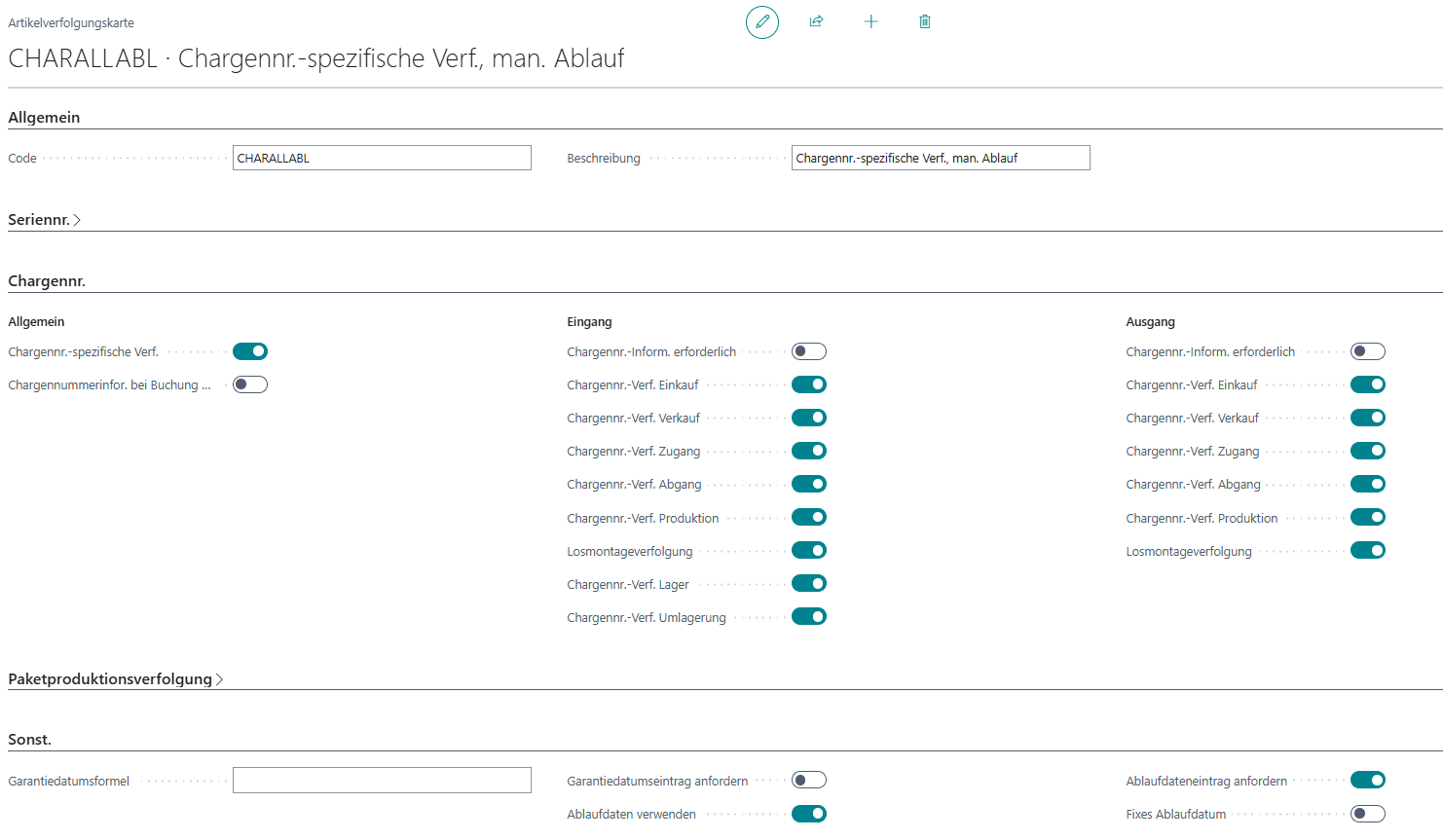
HUM is based on the standard Business Central setup and functionality. If an item is set up with lots and expiration dates, the following functionalities can be used.
There is no separate setup for using item tracking beyond the standard.
However, expiration dates should only be used in conjunction with lots. It is important that a lot can only have one specific expiration date. Thus, the expiration date is linked to the lot according to the reservation entries and is also considered by HUM.
In the shipping process, automatic lot allocation can be used within the packaging assignment.
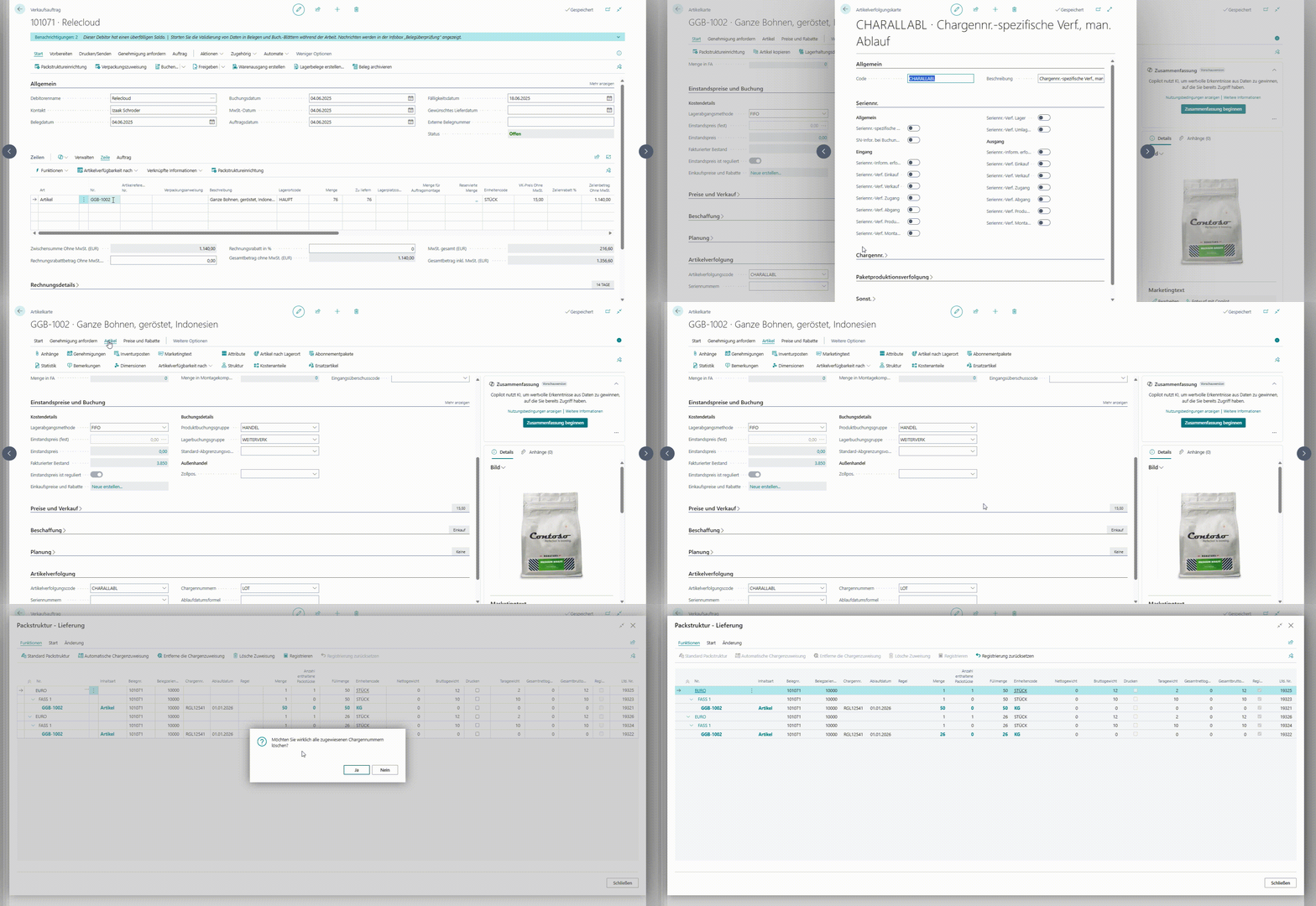 If picking has not been used, this automatic lot allocation assigns lots from available inventory to the package lines. This is done by the system based on the FEFO/FIFO principle.
If a warehouse shipment is preceded by a pick, the automatic lot allocation uses the picked lots and therefore bypasses the automatic FEFO/FIFO consideration.
If picking has not been used, this automatic lot allocation assigns lots from available inventory to the package lines. This is done by the system based on the FEFO/FIFO principle.
If a warehouse shipment is preceded by a pick, the automatic lot allocation uses the picked lots and therefore bypasses the automatic FEFO/FIFO consideration.
Lots from available inventory can also be manually assigned to content lines.
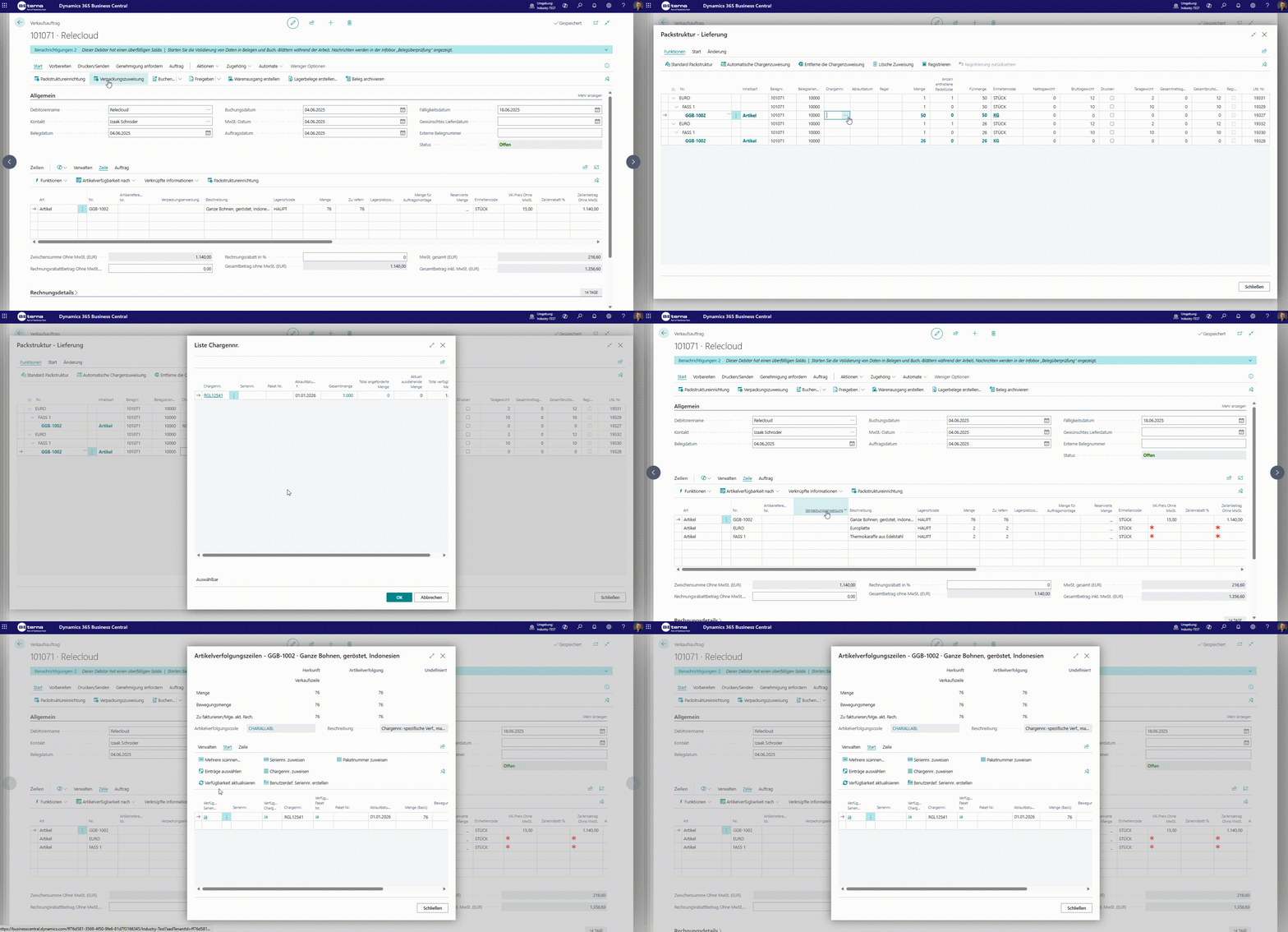
When creating the packaging assignment, a lot number and—according to the BC standard expiration date formula—an expiration date are automatically assigned to the inbound lines in the packaging structure. (in development)
When registering a packaging assignment with entered lots and expiration dates, the lots used for the respective document lines are automatically transferred to the item tracking lines and are thus also considered when the document is posted.